

In this article
People increasingly ask an AI assistant their question before they ever reach a search results page. The assistant reads a range of sources, forms an answer and often names a few of them, and Google now does something similar above some of its own results with AI Overviews. Broadly, that is what AI search means, and it changes the goal for a website: ranking for a click still matters, but a page now also has to be a source an assistant trusts enough to draw on and cite.
What has actually changed
For a quick factual question, the answer can now arrive without a click. For a considered decision, like choosing a supplier, a kitchen or a charity to support, people still visit websites, often after reading a summary that may not have mentioned you. So two things matter more: whether you’re named in the answer, and whether the page people land on confirms what they read.
| Classic search | AI search | |
|---|---|---|
| What the person sees | A list of links | A written answer, with a few sources named |
| What you compete for | A place on the page | A place in the answer |
| What tends to win | A relevant page on a trusted site | A clear, specific answer from a trusted source |
| What success looks like | A click | A mention, a citation, a better-informed visit |
The bar has not moved
These systems discount the thin, keyword-stuffed pages that were built to game old search, so the change favours honest content marketing over the cynical kind.
What earns an AI citation is what earned trust all along: clear, specific, genuinely useful, and obviously written by someone who knows.
What gets drawn on
Content that gets drawn on tends to answer a real question directly and early, explain its reasoning and say something specific. Vague, hedged content that repeats what everyone else says gives an assistant nothing to prefer, whereas a clear, well-reasoned answer to a question people actually ask is the most likely to be surfaced, because it is the most worth surfacing. In practice that means:
- The short answer comes first, then the reasoning, then the detail.
- One page answers one question well, rather than gesturing at ten.
- Claims are specific: real examples, numbers with their source, the standards you meet, how long things take.
- It’s clear who knows, from a named author with real experience of the work.
The HCML homepage we built gives its short answer in one line: helping people access the right healthcare, in the right way, at the right time.

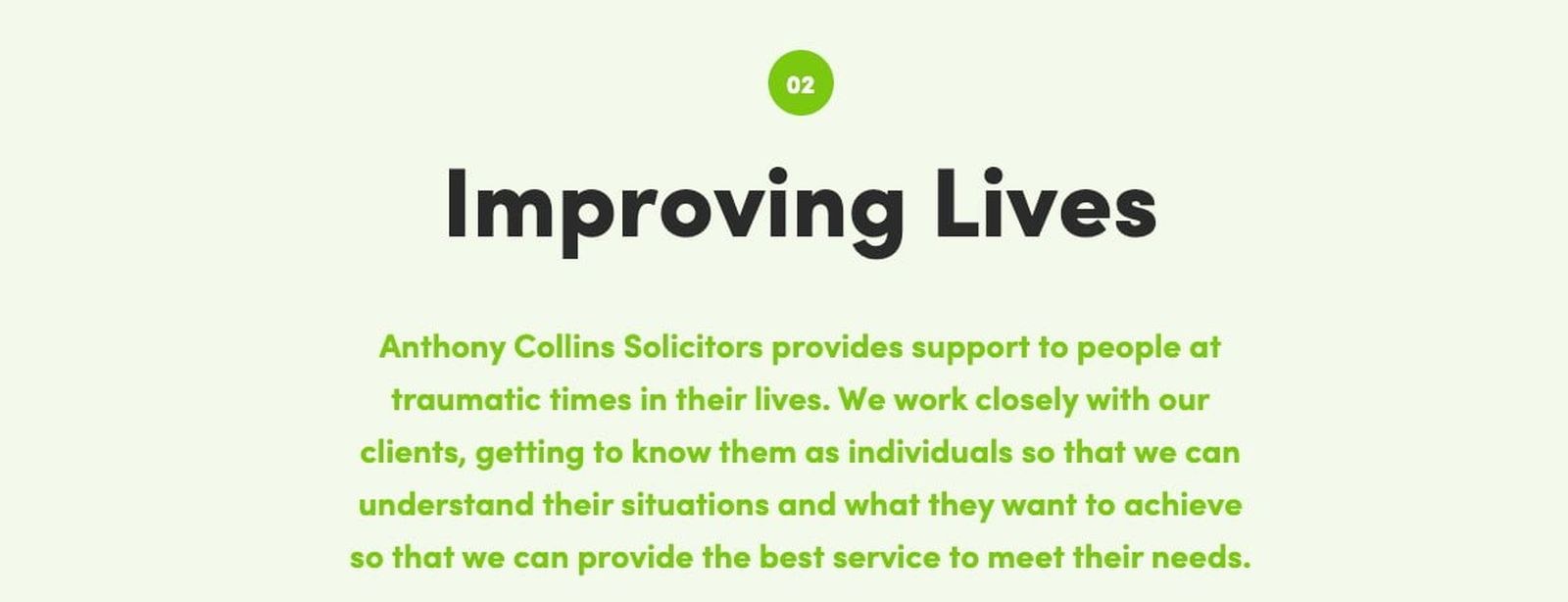
Anthony Collins Solicitors publish a yearly social impact report to quantify their claim of being a social purpose law firm. We helped make it digital, with short, punchy messaging and the key figures stated plainly, which a person finds easy to trust and a machine finds easy to quote.
Start with the questions people actually ask
Most websites are written from the inside out, but you can’t answer a question you’ve never heard. The questions worth answering come from the people choosing, through sales calls, enquiry emails and, best of all, interviews. On our own enquiry calls the same four come up again and again: How long will it take? What does it cost? Will it bring in business? What should we do first? Each deserves a straight answer on the site.
Interviews also show how people search. When we interviewed the solicitors and insurers who choose Bush & Co, we heard that solicitors searched overwhelmingly by geography first, so we built the new website around a consultant finder on a map, filtered by specialism, geography and experience. That is human-centred design applied to search, and there is more on it in what good discovery actually looks like.
Say something only you can say
If a reader could get the same answer from a hundred other pages, neither they nor an assistant has any reason to point at yours, so give them what they can’t find elsewhere: your own findings, your process and what you know from doing the work. The content that actually earns citations goes deeper.
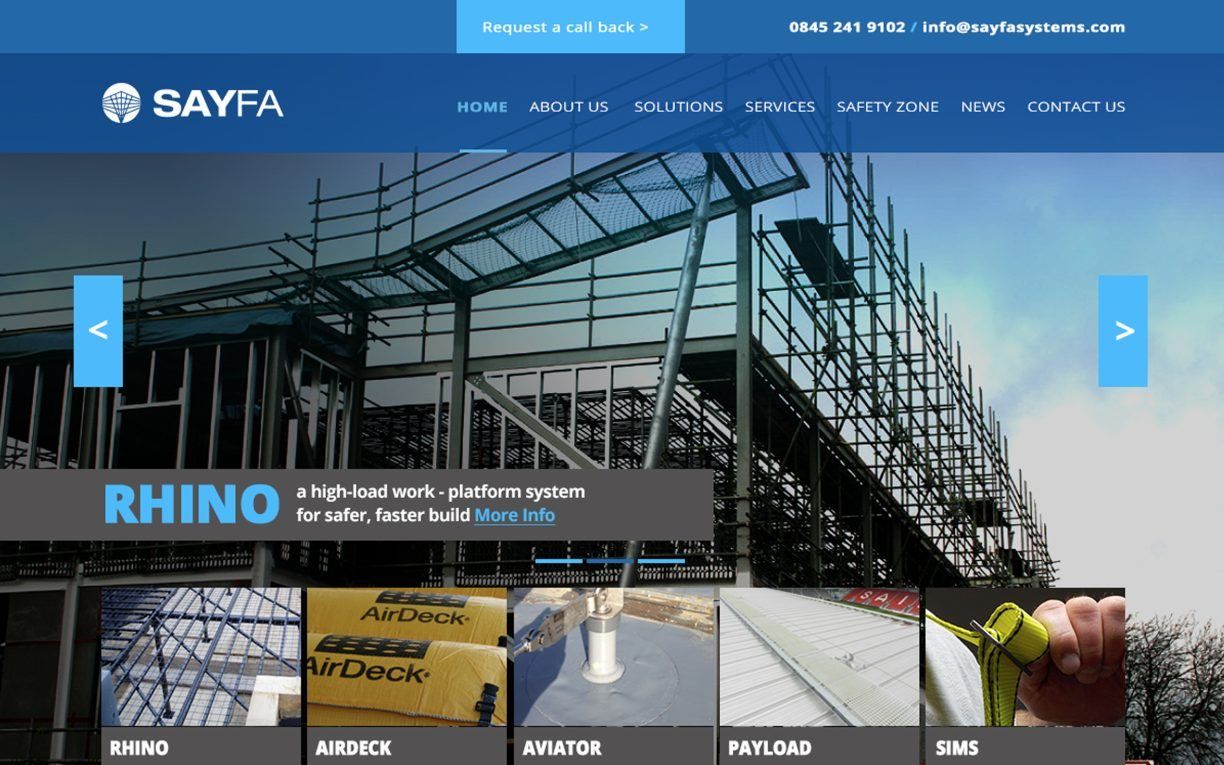
Sayfa Systems supplies safety products for working at height. Their new site had to increase traffic and conversions and position Sayfa as a leader on safety at height, so alongside the products we built a Safety Zone with industry insight, film clips, legislation updates and product case studies. It answers what people need to know as well as showing what Sayfa sells.
Assistants also draw on more than your website, including press coverage, reviews and other people’s articles. For Table Tennis England we created the PR strategy and toolkits for Loop, a campaign to take ping pong into workplaces, universities, sports clubs and cafes, and it was covered by the Guardian, the Daily Mail, Channel 4, the BBC and regional papers and news channels. A source that is useful on its own site and talked about on other people’s is the kind assistants draw on, which is why PR now belongs in the search conversation.
Make sure it can be found and read
Many assistants look things up through a search index before they answer, so a page that search engines struggle to find or read is unlikely to be drawn on, however good it is.
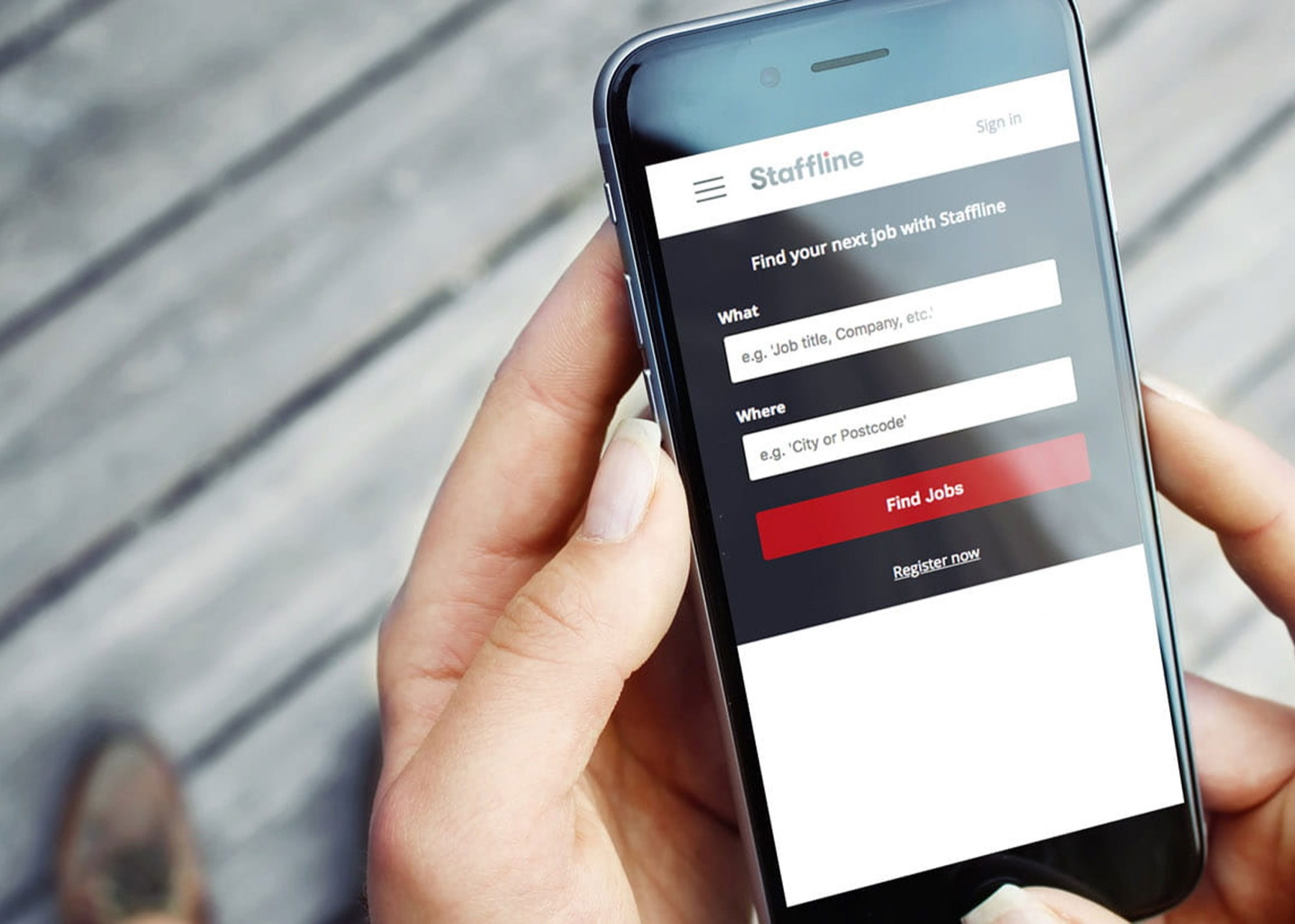
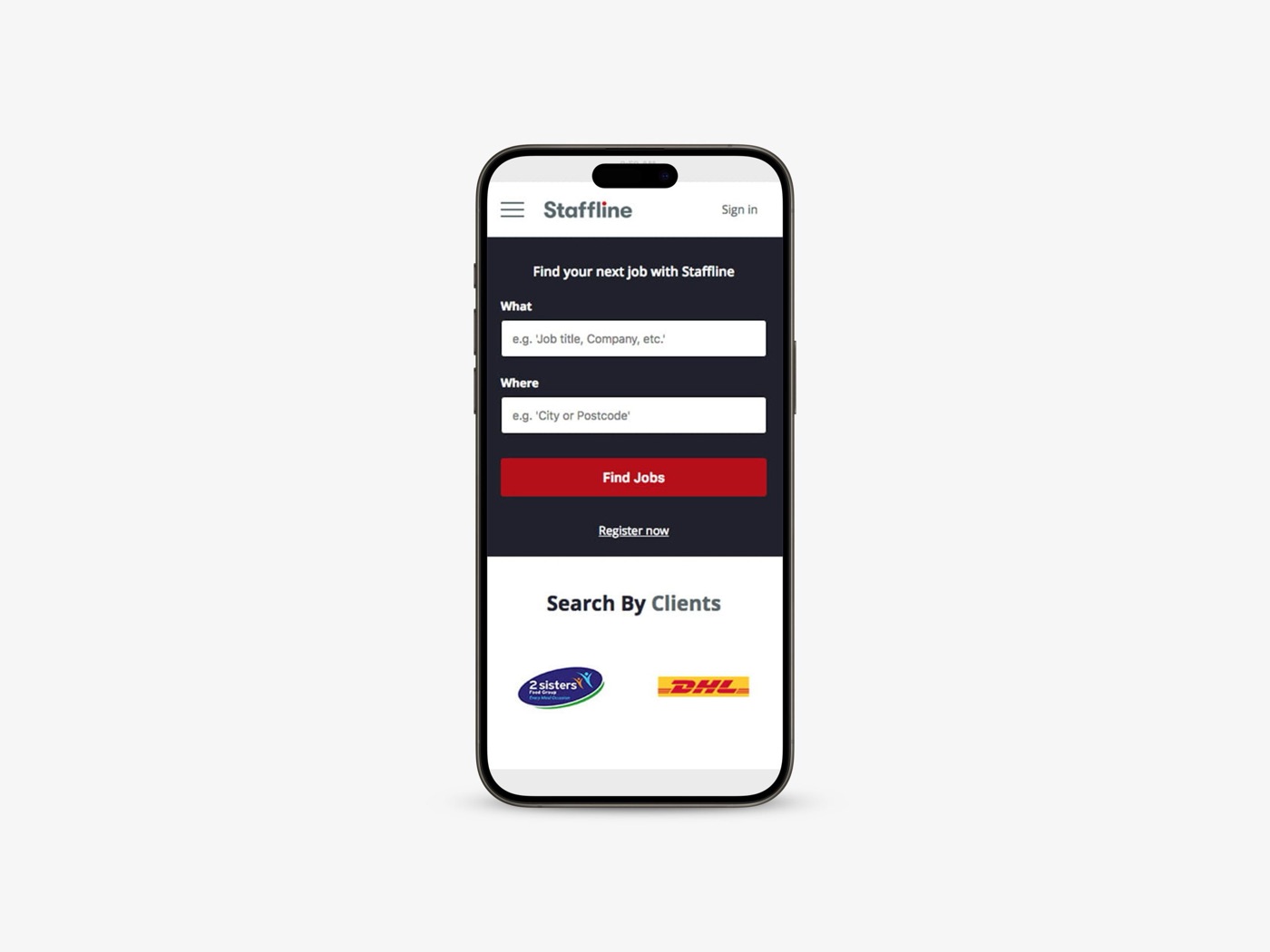
At Staffline, our first analysis found software integration problems that left job adverts barely optimised online, so candidates struggled to find jobs through search engines and then to apply. We overhauled the site and its technology, with an SEO strategy shaped by a six-week audit.
The checks themselves are routine:
- Words on the page, rather than locked inside images, PDFs or slideshows.
- Headings that say what each section answers.
- Fast pages that work well on a phone.
- Old addresses kept or redirected when a site is rebuilt.
- Nothing blocked by accident, since settings that shut out crawlers sometimes get switched on without anyone deciding.
- A name and a date on anything that gives advice.
If you are planning a website redesign, this is the part to protect, and with care a new site keeps what the old one built up. We built the new website for Anglia Interiors, a family kitchen firm in Huntingdon, as plain, fast pages. On launch day, 30 September 2026, the homepage weighed half as much as the one it replaced. All 57 articles came across word for word at the addresses they already had, all 106 addresses from the old site were checked and every one answered, and the homepage now gives Google the business’s name, address, phone number and opening hours in a form it can read.
Don’t write for the machine
The wrong response is to start writing for the algorithm, stuffing in structure and phrases you think a model wants. It repeats the old keyword-stuffing mistake and reads as hollow to people and machines alike. If you write the clearest, most helpful version for a person and show your expertise plainly, you are also writing what AI search favours, because the two audiences now want the same thing.
Five things to do this quarter
- 01Collect the questions
From sales calls, enquiry emails and interviews, in your customers’ own words.
- 02Ask the assistants
Put your ten most common questions to two or three AI assistants. Who gets named, and are they right about you?
- 03Answer the best ones properly
One page each, short answer first, then the reasoning and real examples.
- 04Check the plumbing
Run down the list above, or ask whoever looks after your site to.
- 05Watch what arrives
Add AI assistants to “how did you hear about us?” and check your analytics for visits from them.
If a second pair of eyes would help, our free marketing audit comes back with three things you could fix this month, with no pitch and no tie-in. For the longer job, there’s more on how we approach SEO and copywriting.
Common questions
Is SEO still worth doing?
Yes. Assistants often lean on search indexes, and people still click through when a decision matters. What changes is the shape of the work, with fewer thin pages chasing terms and more that answer a real question well.
What is AI SEO, or generative engine optimisation?
It means making a website easy for AI assistants to find, read, trust and cite. Some agencies call it generative engine optimisation, or GEO, and sell it as a new discipline, but most of what works is good SEO and good writing, so it rarely needs a separate strategy. The difference is that success can be a mention in an answer as well as a click.
Should we block AI crawlers?
There can be good reasons, such as paid or sensitive content, but an assistant can’t name a source it can’t read, and for most marketing pages being read is the point. Check what your site allows, then make the decision deliberately.
Does this work the same for charities, public bodies and consumer brands?
Yes. A donor checking where their money goes, a resident looking for a council service and a family planning a big purchase all ask questions first. Two of the examples above are a sport’s governing body and a family kitchen firm.