
AI training built on your team’s own work
Most AI training teaches someone else’s prompts. Ours starts with a task your team does every week, takes it apart step by step, and shows where AI helps, where it doesn’t, and who stays in charge.
Who it’s for
- 01
Staff already use AI, quietly
People try free tools on their own, with no shared rules and very different skills. Training gives everyone the same footing.
- 02
Licences bought, little use
Copilot or ChatGPT seats paid for and used for the odd email. The gap is rarely the tool. It’s knowing what to hand over.
- 03
Leaders who have to decide
Owners and directors who need enough understanding to set rules, fund the right things and spot an overclaim.
- 04
Teams that write, report and research
People whose week is full of drafting and summarising. AI takes the legwork; the judgement stays with them.
A worked example: our own Monday report
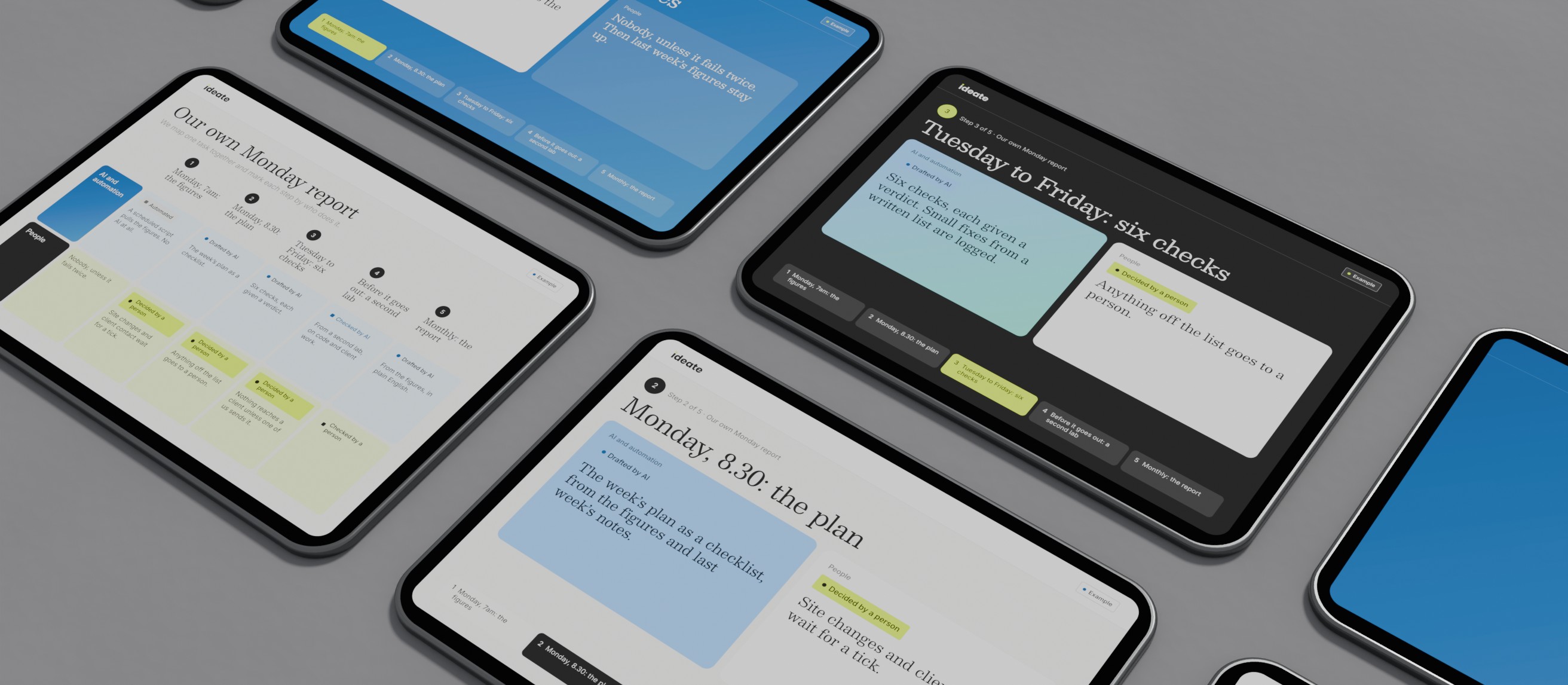
Our own weekly loop, run on our site and the sites we look after, marked by who does what. In a workshop we draw this map for one of your tasks.
- 01
Monday, 7am: the figures
AI and automation Automated. A scheduled script pulls Search Console, Analytics and tracked rankings. No AI at all.
People Nobody, unless it fails twice. Then last week’s figures stay up.
- 02
Monday, 8.30: the plan
AI and automation Drafted by AI: the week’s plan as a checklist, from the figures and last week’s notes.
People Decided by a person. Site changes and client contact wait for our tick.
- 03
Tuesday to Friday: the checks
AI and automation Drafted by AI. More than 40 checks a week across the sites we look after, each given a verdict. Small fixes from a written list are logged.
People Decided by a person. Anything off the list goes to one of us.
- 04
Before it goes out: a second lab
AI and automation Checked by AI from a second lab, on code and client work. Models from one lab share blind spots.
People Decided by a person. Nothing reaches a client unless one of us sends it.
- 05
Monthly: the report
AI and automation Drafted by AI from Google’s own figures, in plain English.
People Checked by a person. We read every report before it goes.
How a workshop runs
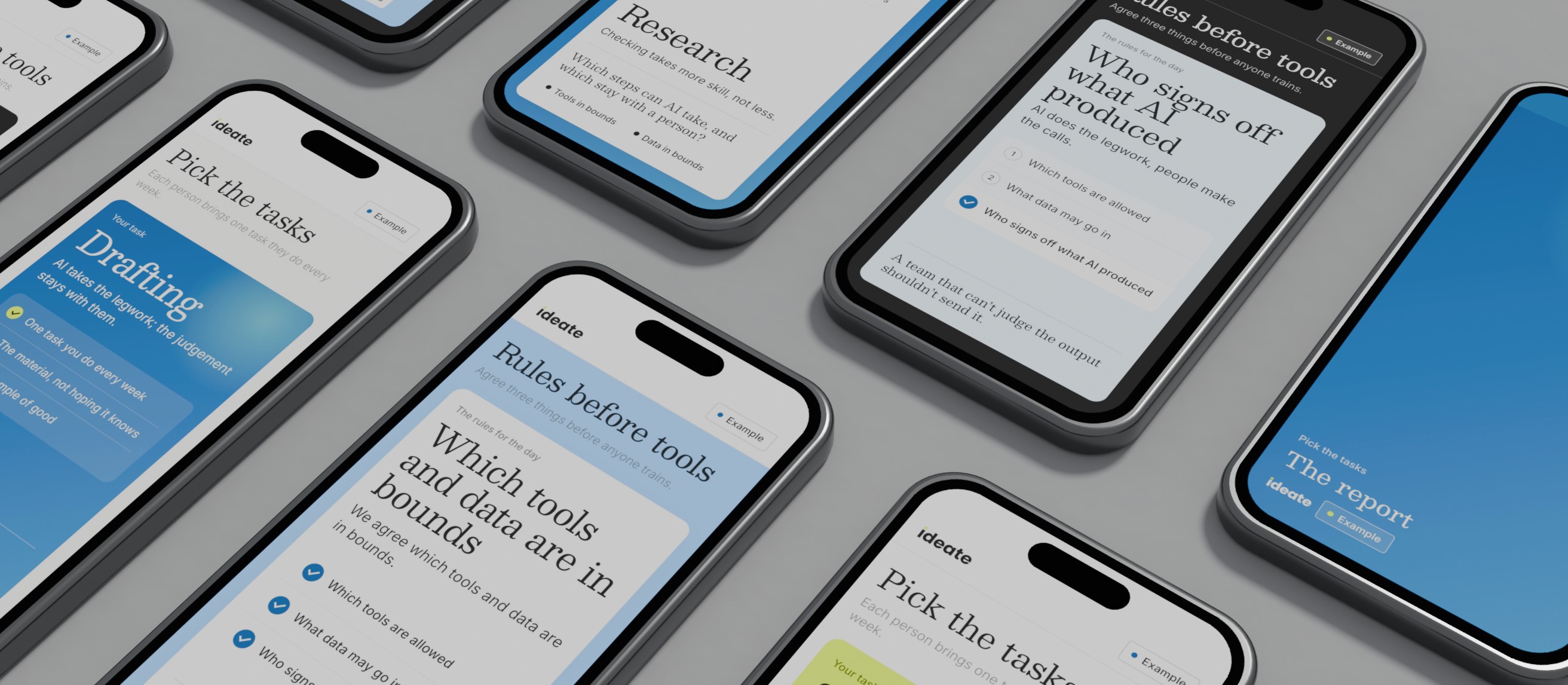
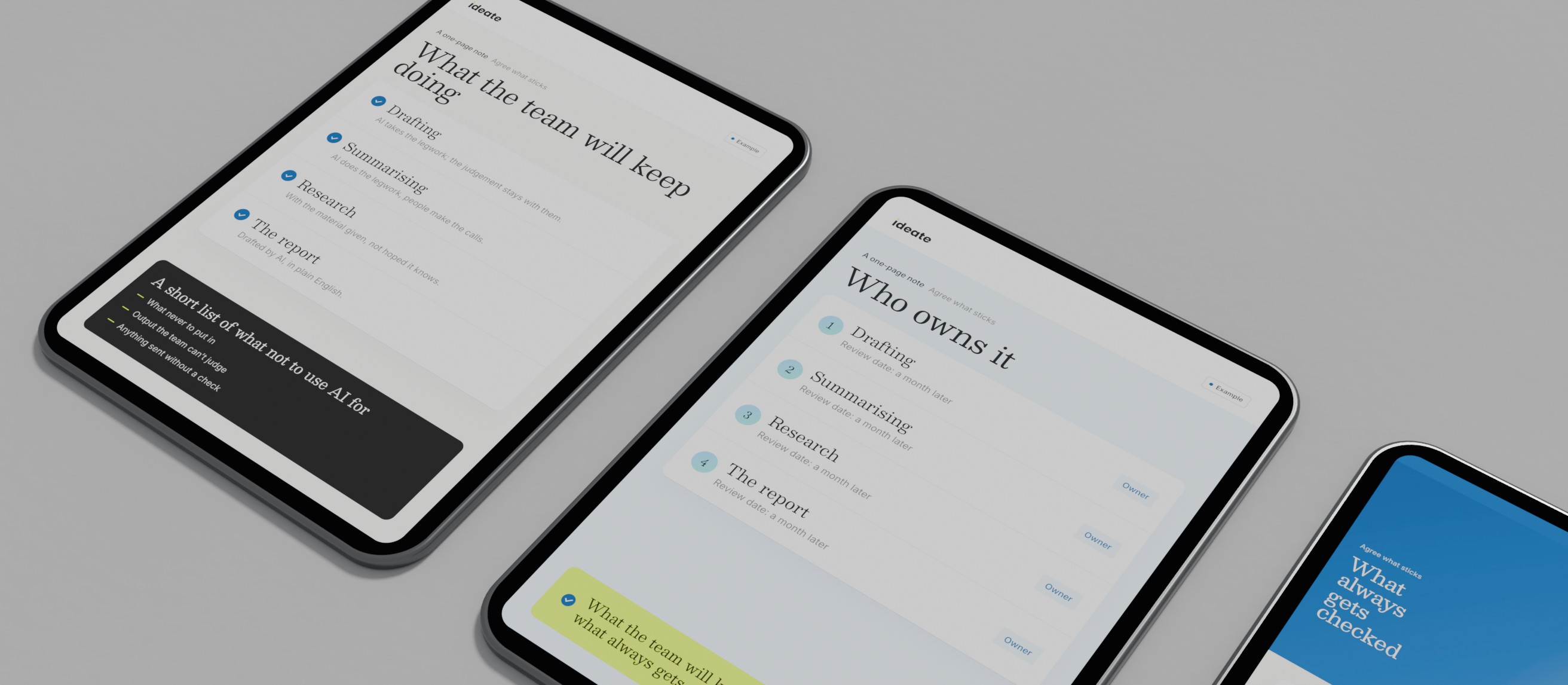
01A 30 minute call, the week beforePick the tasks: Each person brings one task they do every week. We agree which tools and data are in bounds. You keep: Real tasks, and the rules for the day.
02The first hourTake one apart: We map one task together and mark each step by who does it. You keep: A map like the one above.
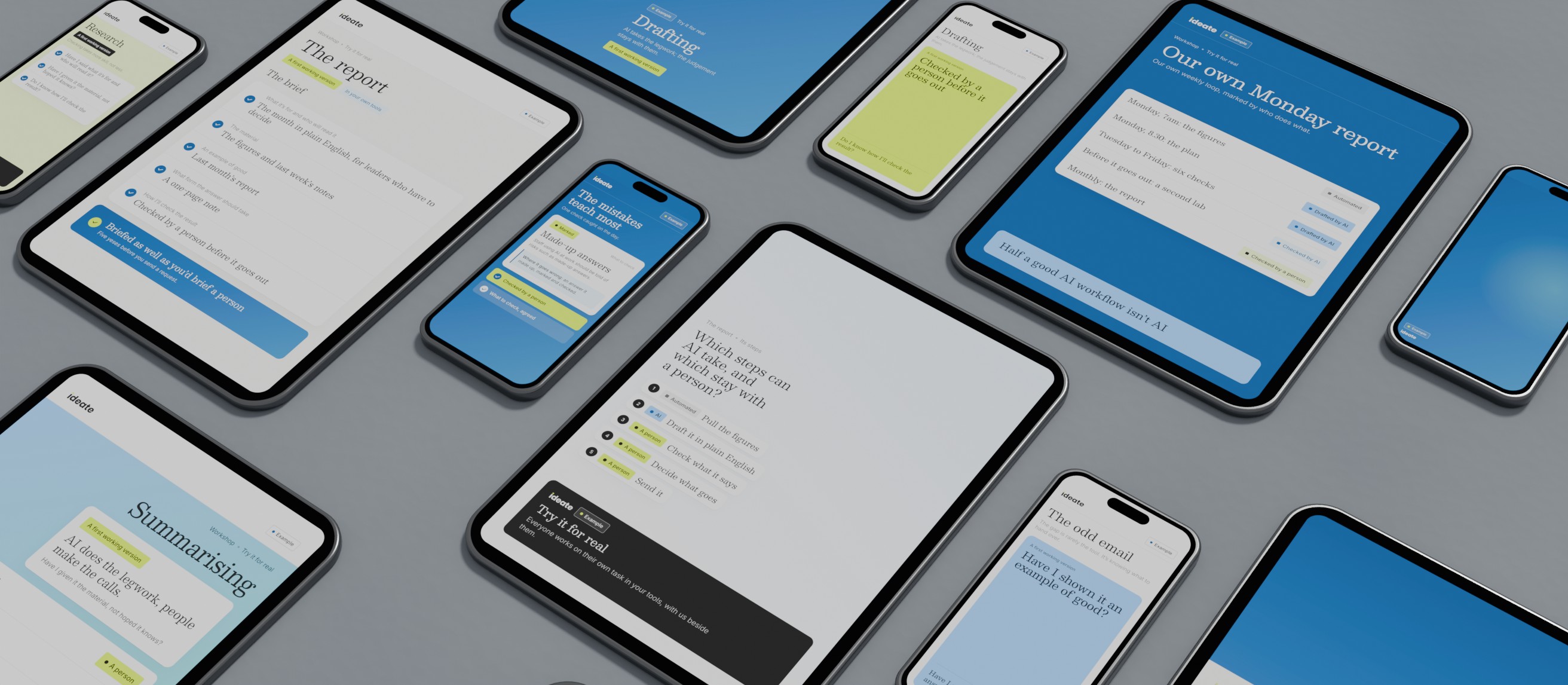
03Most of the sessionTry it for real: Everyone works on their own task in your tools, with us beside them. The mistakes teach most. You keep: A first working version of each task.
04The last half hourAgree what sticks: What the team will keep doing, who owns it and what always gets checked. You keep: A one-page note.
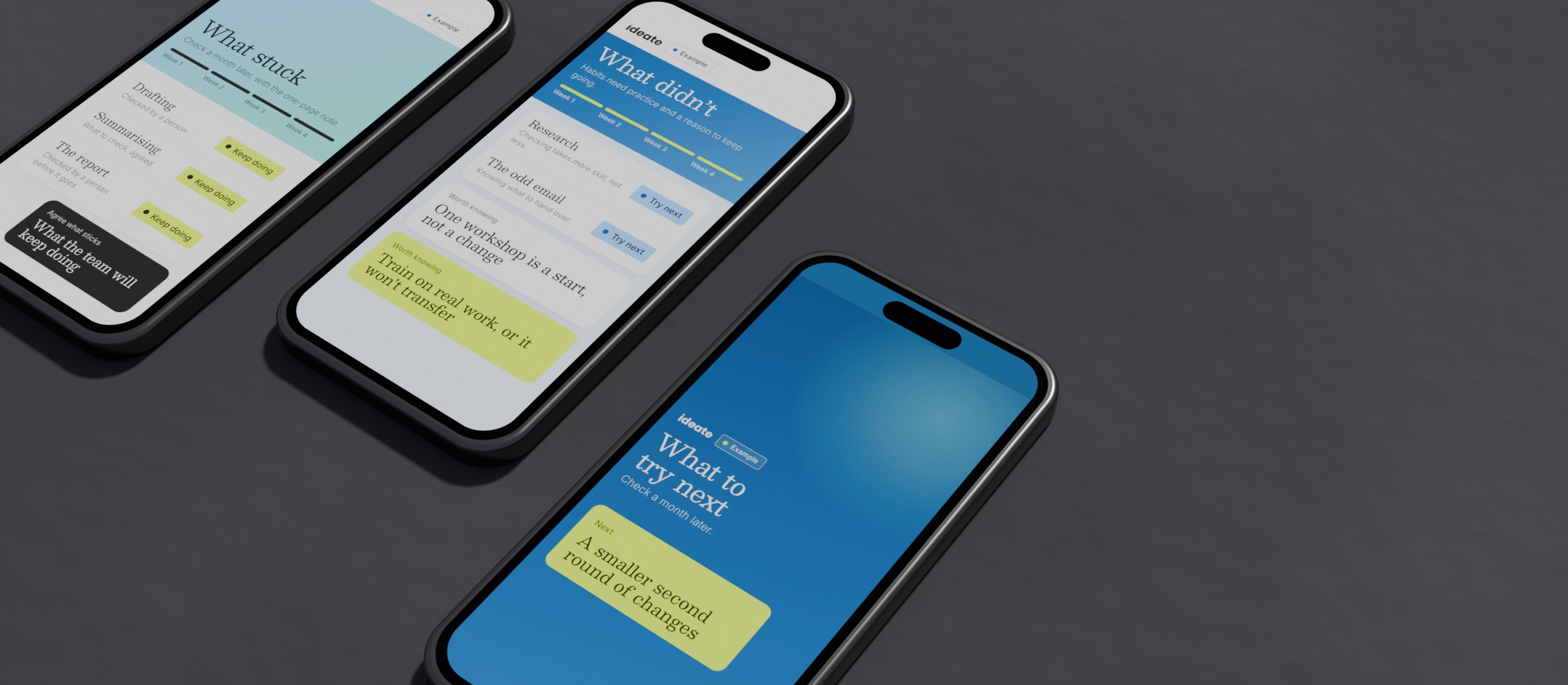
05An hour, four weeks onCheck a month later: What stuck, what didn’t and what to try next. You keep: A smaller second round of changes.
Three ways to run it
All three run at your office, in Bedford or online. We run them ourselves.
| Team workshop | A short series | Leadership briefing | |
|---|---|---|---|
| Who it’s for | A team of 5 to 10 doing similar work | A team that wants the habits to stick | Owners, directors and senior managers |
| How long | Half a day | Three sessions of two hours, a few weeks apart | Two hours |
| Best when | You want a strong start | Habits matter more than a good day | Rules need deciding before anyone trains |
What your team leaves with
Included
- A map of one real task each, marked step by step
- A working first version of it, in your own tools
- A one-page note of what you’ll keep doing and who owns it
- A short list of what not to use AI for
- A follow-up a month later
Not included
- Certificates or exams
- Buying or setting up licences
- Generic prompt packs
- Legal advice
Need a certificate? Microsoft Learn and the government’s AI Skills Boost give badges for their free courses.
Rules before tools
Agree three things before anyone trains: which tools are allowed, what data may go in, and who signs off what AI produced. Training people on a tool you later ban wastes a day. Training them without data rules invites the very mistake you’re trying to prevent.
No rules yet? We can help you agree them first, as part of AI consultancy, then train people to work inside them.
What is AI literacy?
AI literacy is the skill, knowledge and understanding to use AI well: what it’s good at, where it goes wrong and what harm it can cause. It’s less about clever prompts than judgement: when to use AI, what to check and what never to put in.
Why AI literacy now matters
In the EU it’s a duty. Article 4 of the AI Act says organisations that provide or use AI systems must take measures to support the AI literacy of their staff and others using AI on their behalf. It has applied since 2 February 2025, and national authorities can enforce it from 2 August 2026.
The Digital Omnibus on AI, in force since July 2026, keeps the duty but requires no particular level from any individual. The European Commission says no certificate is needed, your own training records will do, and staff using ChatGPT at work should be told of risks such as made-up answers.
It isn’t UK law, but it can reach UK organisations that place AI systems on the EU market or whose AI output is used in the EU. If that might be you, take legal advice. Either way, a team that knows what it’s doing is your best protection.
Worth knowing
One workshop is a start, not a change
Habits need practice and a reason to keep going, which is why we’d rather come back a month later than make day one longer.
Train on real work, or it won’t transfer
Made-up exercises feel productive and change nothing on Monday.
Half a good AI workflow isn’t AI
Our own weekly loop starts with a plain scheduled script. Knowing where AI isn’t needed is part of the skill.
Checking takes more skill, not less
AI moves effort from writing to judging. A team that can’t judge the output shouldn’t send it.
Copilot training: Microsoft’s own is free
Using Microsoft Copilot? Start with Microsoft’s own training. Microsoft Learn says its training is free, and its path “Draft, analyze, and present with Microsoft Copilot” has seven modules across Word, Excel, PowerPoint, Teams and Outlook.
A workshop adds your work and your rules. We use your own documents, agree what may go in, and check what Microsoft’s pages point out: Copilot sees whatever each person has permission to see, so loose sharing settings become everyone’s problem. We’ve learnt Copilot, ChatGPT, Claude and Codex hands-on.
Prompting, as a skill
Prompting isn’t magic words. It’s briefing, the same skill as briefing a new colleague. Before you send a request:
Five yeses and you’ve briefed it as well as you’d brief a person. Fewer than three, and a weak answer is probably the brief, not the tool.
Questions people ask
How long does an AI workshop take?
Half a day for a team workshop, two hours for a leadership briefing, or three shorter sessions a few weeks apart. Most of it is spent on your own tasks.
Do we need technical skills?
No. If people can write an email and use a spreadsheet, they can do this. What we teach is judgement: what to hand over and what to check.
Who should attend?
The people who do the work, plus someone who can decide the rules. Leaders often get more from a separate briefing first.
Which tools does it cover?
The ones you use or are weighing up, usually Copilot, ChatGPT, Claude or Gemini. Not chosen yet? Our guide to choosing AI tools is a good start.
Can you come to us?
Yes: at your office, in Bedford or online.
What happens to our data in the session?
It’s agreed before the day. We work on examples you choose, with personal and confidential details removed, in business accounts that don’t train on what’s entered. Never a free account.
Is there free Copilot training?
Yes. Microsoft Learn’s Copilot training is free, including a seven-module path. It teaches the tool; a workshop applies it to your work and your rules.
Is there free AI training in the UK?
Yes. Under the government’s AI Skills Boost, announced on 28 January 2026, every adult in the UK can take free, short online courses through the AI Skills Hub. A good start for individuals; a team still needs its own rules.
Is this a prompt engineering course?
No. We teach prompting as briefing, on your own tasks. Prompts on their own rarely change how a team works.
What does it cost?
It depends on the format, the group and the preparation your tasks need, so we’ll quote once we understand the brief. The first conversation, a 60 minute Intro, is free.
Talk to us about AI training
A free 60 minute Intro: who’d attend, which tasks to bring, and what to agree first.