

In this article
Start with your own work, not a list of tools. The tools are easy to get. Knowing which work to hand them, and how to check what comes back, is the hard part.
So start with your own work. Pick one task your team does every week. Agree a few rules. Try it for a few weeks, measure it, and decide what to keep.
What AI is good for in a business
Think of AI as help with legwork. It reads a lot quickly, sorts it, compares it, summarises it and drafts a first version. It is poor at knowing what a customer meant, what you stand for, or when a number is wrong for a reason it cannot see.
That split explains where businesses actually use it. In the government's 2026 survey of UK businesses, administration was the most common use, named by 81% of those using or planning to use AI. Not the dramatic uses. The weekly ones.
Possible first tasks include meeting notes and actions, a proposal drafted from past ones, a summary of customer feedback, a long document cut down to what matters. Each one saves reading or typing. None of them takes a decision.
What the evidence says so far
The UK picture is clearer than it was a year ago.
- 32%of UK businesses used at least one AI technology in 2026, up from 16% in 2025DSIT, AI adoption survey 2026, published 29 October 2026; 3,503 UK businesses
- 50%of businesses using AI reported higher productivity, with the gains generally described as modestDSIT, as above
- 67%of businesses using AI were affected by limited AI skills, expertise or knowledgeDSIT, as above
Half of the businesses using AI reported higher productivity, with the gains generally described as modest. Limited skills, expertise or knowledge affected 67% of them. Among businesses not yet using AI, 65% cited the lack of a clear business case or proven return.
Both point the same way. The answer is not a bigger tool. It is choosing the right jobs, and building the habit.
Start with the work, not the tool
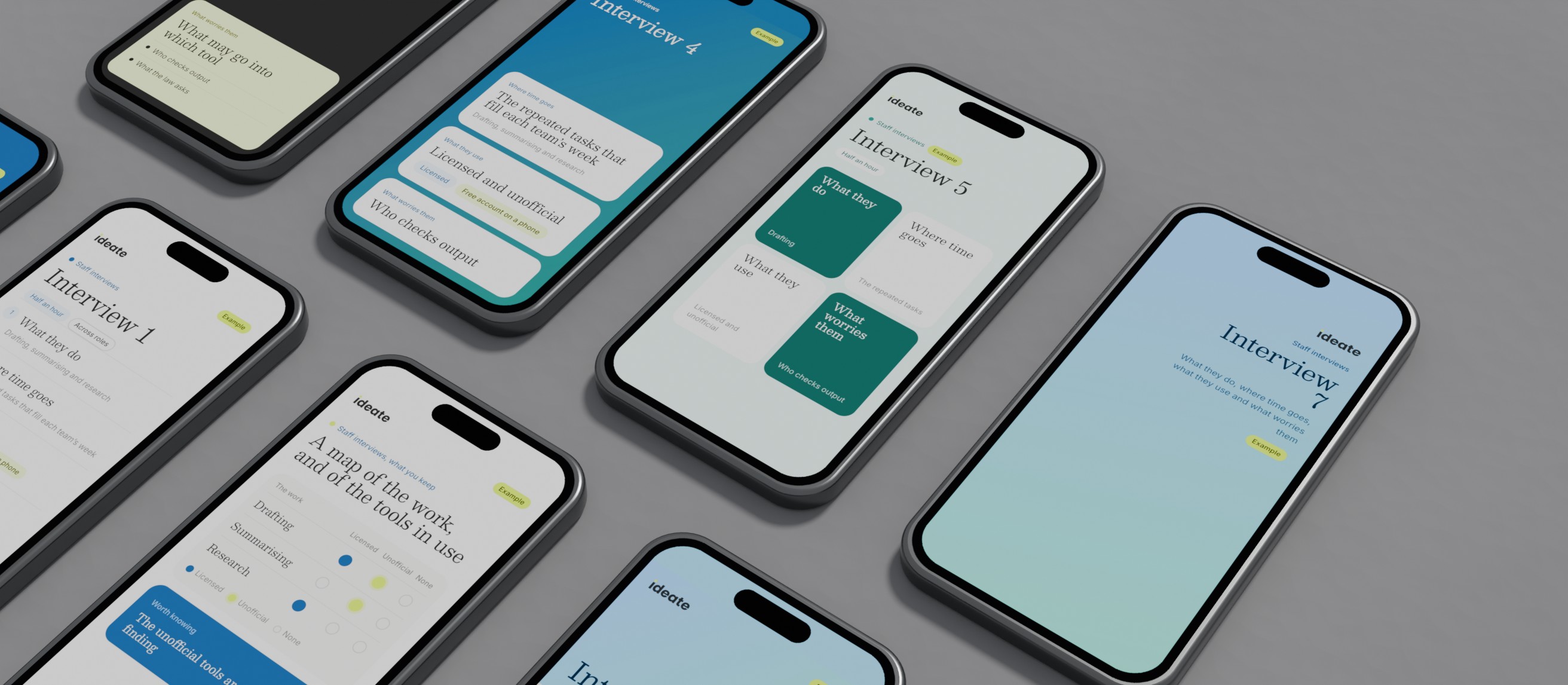
Before choosing anything, find out where time goes. Ask the people who do the work. Which tasks fill their week? Which ones repeat? What do they already use, and what worries them?
The answers are usually more useful than any demonstration. Someone is probably using a free AI tool already, on their own phone, without telling anyone. That is not a scandal. It is a finding: it shows you where people feel the need.
Looking before building is not new. For Staffline, after an initial analysis and agreement on a technical specification, we ran a six-week audit of the brand, focused on data and competitors, then client and candidate workshops, and those set the solution. That was brand and website work, not AI. The habit carries straight across. There is more on doing it well in what good discovery actually looks like.
Choose a first task
Put each possible use on two scales. Value is time saved or quality gained. Effort is set-up, data, risk and change for the people involved.
| Low effort | High effort | |
|---|---|---|
| High value | Do first: meeting notes and actions, proposal first drafts from past ones, summaries of customer feedback | Plan properly: staff answers from your own documents, reply drafts from your help content |
| Low value | Let people try: rewording an email, a spreadsheet formula, translating a short note | Leave for now: a website chatbot nobody asked for, automating a twice-yearly task, building your own AI model |
Start in the top left. Be wary of the bottom right, which is where much of the excitement sits.
A good first task comes round every week, uses information you already have written down, and can be checked by a person in a few minutes. If a mistake would reach a customer before anyone saw it, it is not a first task.
Agree three rules before anyone starts
Rules come before training, not after. Three questions cover most of it.
Which tools? Name the ones people may use, and on which plan. Plans differ in what happens to what you type into them, so read the terms.
What data may go in? Be specific. Customer records, staff details and anything confidential need a clear answer. Where personal data is involved, UK GDPR applies. The ICO's guidance on AI and data protection is the place to start, and it is under review after the Data (Use and Access) Act. If you are unsure, take legal advice before the data goes anywhere.
Who checks the output? One named person, for each use, before anything reaches a customer.
Banning AI does not answer these questions. It moves the use onto personal phones and free accounts, where nobody can see it. A safe, agreed way to use it does more.
Run a small pilot, and measure it
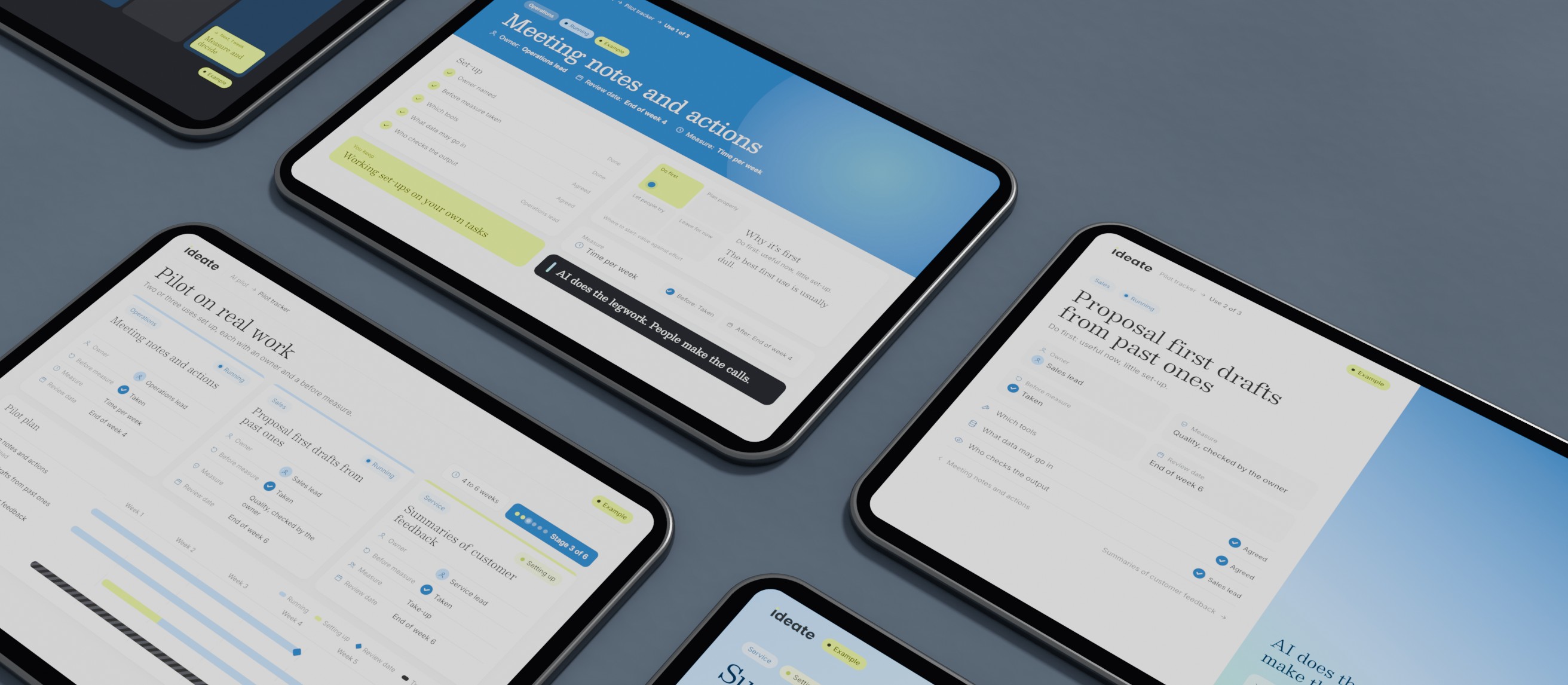
Give the pilot an owner, a measure and training on the task.
- 01Name an owner
One person for each use, with the time to look after it.
- 02Take a before measure
How long the task takes now, and how good the result is. Without it, nobody can say later what changed.
- 03Set it up on real work
Your own documents and tasks, inside the rules you agreed.
- 04Show people, by role
Half an hour on their own task beats a day on someone else's examples.
- 05Decide on the evidence
After a few weeks, set time, quality and take-up against the before. Keep it, change it or stop it.
Stopping is a good result. It means the measure did its job.
One warning. AI makes a messy process faster at being messy. If a task is muddled, fix the steps first, then add AI.
If you run a small business
The method is the same. It is simply shorter. With a handful of people, the interviews are a conversation over coffee and the owner is often you.
Three things help. Check whether software you already pay for has AI features, and whether they are already switched on. Start with one task that eats your own week, such as quotes, notes or first drafts of routine letters. And keep a person between AI and the customer, always.
Skills are the common gap, and free help exists. The government's AI Skills Hub offers free courses to every adult in the UK, some under 20 minutes. It will not teach your own tasks, but it gives everyone the same footing.
How we use it ourselves
We run Ideate Partners on the same method. Each Monday, figures for the sites we look after are pulled from Google's own tools, a person ticks the week's plan, and checks follow, each with a plain verdict. A second AI system, from a different lab, reviews our code and client work before it goes out.
Where to start
This week, write down the three tasks that take your team the most hours. Ask the people who do them where AI could help, and what they already use. Pick one, name its owner and time it.
If you would rather have someone look at your work with you first, that is what an AI readiness review is for. Or get in touch and talk it through.
Common questions
What's the best AI for my business?
The one that fits the task you have chosen, on a plan whose data terms you have read. Choose the task first. Often the answer is a tool you already pay for, set up properly, rather than something new.
Can I use a free AI assistant for business?
Yes, for low-stakes work, with rules agreed first: what may go in, and who checks what comes out. Free plans can handle what you type differently from business plans, so keep personal and confidential information out unless the terms say otherwise.
Is there free AI training for businesses in the UK?
Yes. The government's AI Skills Hub offers free courses to every adult in the UK, announced by the government and Skills England in January 2026. They cover the basics. Applying AI to your own work is the part that takes practice.