
In this article
Picture an organisation where AI is in use before anyone has written a rule about it.
Someone drafts a reply with an AI assistant. Someone else pastes a spreadsheet into one to tidy it. A manager summarises a meeting on a free account on their phone. None of it is malicious. But nobody has agreed what is allowed, so everyone has quietly made up their own rules.
An AI policy replaces those private rules with shared ones. Done well, it makes people more confident using AI, not less.
What an AI policy is for
A good policy answers three questions in plain words:
- Which tools may people use for work, and on which accounts?
- What may go in, and what must never go in?
- Who checks what AI produces before it reaches a customer, a client or the public?
Agree those three before anyone is trained. Training people on a tool you later ban wastes a day. Training them without data rules invites the very mistake you are trying to prevent.
The rest of the policy exists to support those answers: who it covers, what happens when something goes wrong, who owns it and when it is reviewed.
Start with what people actually do
Start by asking what people use. A template can give you headings. It cannot know which tools your people have open, what data they handle or what your clients have asked of you.
So begin by asking. Talk to a handful of people in different roles, and ask what they use AI for, on which accounts, and what they would like to use it for if they were allowed. Make it clear nobody is in trouble. If people expect blame, they will describe the use they think you want to hear about, and the risky use stays hidden.
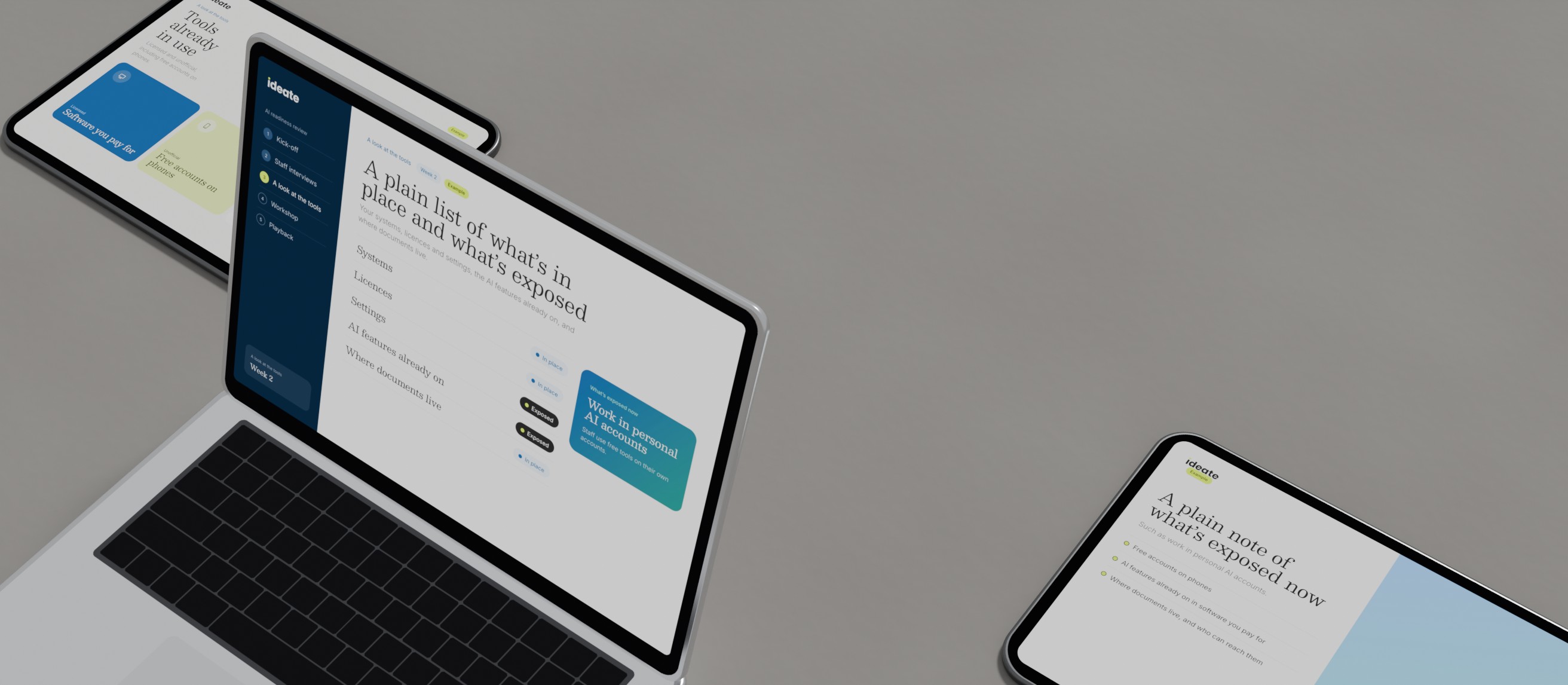
Look for three things:
- Tools you pay for, including AI features already switched on in software you use every day.
- Tools nobody approved, including free accounts on personal phones.
- The tasks behind them. Drafting, summarising, research and tidying data carry very different risks.
This is ordinary human-centred research, pointed inward. The policy that comes out of it fits the work rather than fighting it.
What an AI policy covers: an outline
People search for an AI policy template. Here is the outline we would start from, heading by heading. It is a starting point, written by us, not a legal document. Adapt every line to your organisation.
| Heading | What it says |
|---|---|
| Purpose | Why the policy exists: to let people use AI well and keep customers, staff and the organisation safe. |
| Who it covers | Staff, contractors, freelancers and volunteers, on any device or account used for work. |
| Approved tools | The short list of tools allowed for work, and on which accounts or plans. |
| Asking for a new tool | Who to ask, what they will check, and how long it takes. |
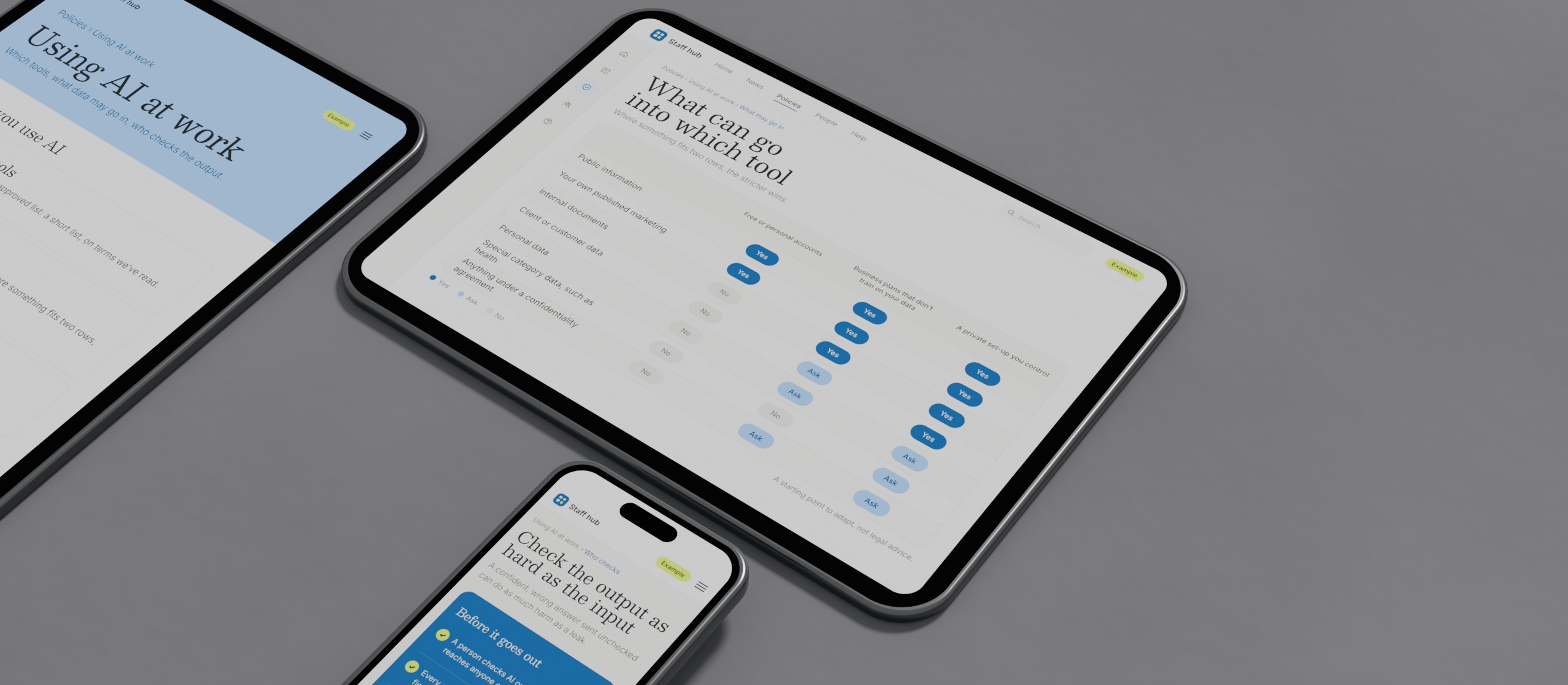
| What may go in | A plain grid of data types against tools: public, internal, confidential, personal. |
| What never goes in | Named examples: customer records, health details, passwords, anything under a confidentiality agreement. |
| Checking output | Who reads AI work before it leaves, and what they check for: facts, figures, tone, fairness. |
| Saying when AI was used | When customers, clients or colleagues should be told. |
| Decisions about people | AI may inform, but a person decides anything about hiring, money, care or access. |
| When something goes wrong | Who to tell, how fast, and that reporting a mistake is always the right call. |
| Training | What people learn before they use AI at work, and where to ask for help. |
| Owner and review | One named owner and a review date, at least twice a year. |
Twelve headings, most of them a few lines long. If yours runs to many pages, people will skim it and go back to their own rules.
The data rules, and what the ICO says
Personal data is where AI use meets the law. The ICO defines personal data as information that relates to an identified or identifiable individual, and it notes you do not need a name for someone to be identifiable. A meeting transcript, a customer email or an interview note will usually count.
The ICO's Guidance on AI and data protection makes three points worth building into a policy:
- Assess the risk first. Where AI will process personal data, the ICO says that in the vast majority of cases this is likely to be high-risk processing, which legally requires a data protection impact assessment.
- Leaders stay accountable. The ICO says senior management cannot hand these questions to technical teams.
- Know who does what. Where an outside provider runs the AI, the ICO's example has the organisation as the controller and the provider likely a processor. That makes the provider's terms part of your policy, so read them. Check the data terms of each proposed tool and plan.
If something goes wrong, the ICO's guide to personal data breaches says a notifiable breach must be reported without undue delay, and no later than 72 hours after you become aware of it. Your policy should make sure the right person hears about it the same day.
The ICO notes that its guidance is under review after the Data (Use and Access) Act, so check its current pages when you write yours, and again at each review.
Make the safe route the easy one
A policy competes with habit. If the approved tool is slower to reach than the free one on someone's phone, the free one wins, whatever the document says.
So design the policy the way you would design anything people have to use. Set up the approved tools in work accounts before the policy goes out. Put the data grid where people work, not in a folder. Write examples for each role, because "do not enter confidential data" means little until someone shows a sales team what confidential looks like in their week.
Defaults matter more than instructions. There is more on why in why defaults quietly decide more than your sales pitch.
Check it works before you call it finished
Test the draft against three real tasks from three different teams. Walk through each one: which tool, what goes in, who checks the output. If the policy cannot answer, it is not finished.
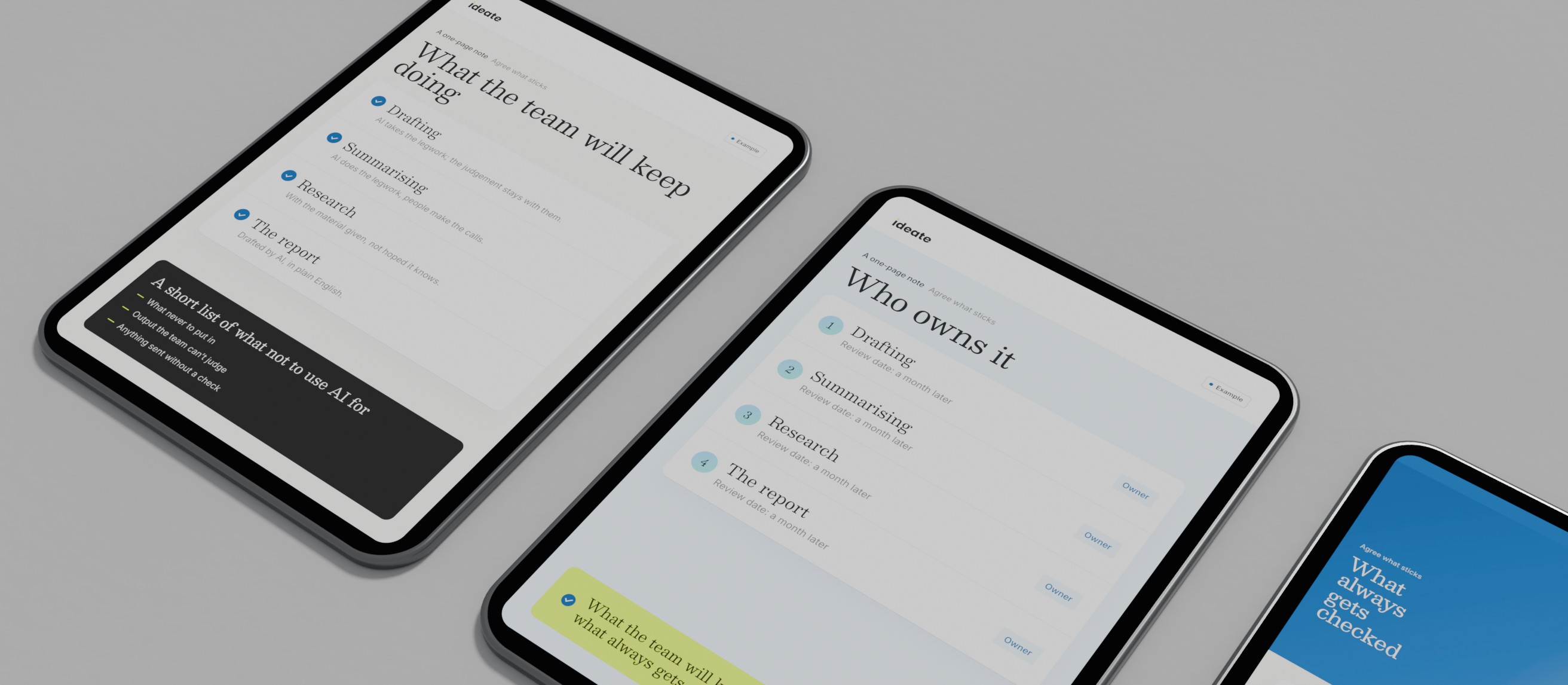
Then give it an owner and a date. Tools change, plans change and the ICO's guidance is changing. A policy written once and left alone drifts out of date.
We hold our own AI work to the same standard. Our weekly reporting is drafted with AI, checked by a second, different system, and read by a person before it goes anywhere.
Where to start
- 01Ask
Talk to people in a few roles about what they use AI for now, without blame.
- 02Agree the three answers
Which tools, what may go in, who checks the output.
- 03Write it short
Use the outline above, one plain paragraph or grid per heading.
- 04Check the data side
Read the ICO's current guidance, and take legal advice where the note above says.
- 05Test and own it
Run three real tasks through it, name an owner and set a review date.
If you would like help agreeing the rules and setting up the tools around them, that is part of our AI consultancy. Or start with the five steps above. The first two need nothing but time and honest conversations.
Common questions
Do small businesses need an AI policy?
If anyone uses AI for work, yes, though it can be a page long. A small team handles customer and staff data just as a large one does, and has less room to absorb a mistake.
How do you use AI safely at work?
Use approved tools on work accounts, keep personal and confidential data out unless the policy says that tool may take it, and have a person check anything before it reaches a customer or the public.
Should an AI policy ban free AI tools?
A ban on its own tends to push use out of sight. It usually works better to approve a few tools on work accounts, make them easy to reach, and say plainly which data must never go into a free account.